Premium Computer & Laptop Repair and Upgrade Services in Mt. Pleasant, MI
Fast, dependable bench repairs, system optimizations, virus cleanup, and hardware upgrades for desktops, laptops, and custom PCs.
Need Immediate Help with a Malfunctioning Computer?
Or bring your device directly to our Mt. Pleasant bench for immediate intake.
311 W. Michigan St. - Downtown Mt. Pleasant
Comprehensive Bench Repairs & System Restorations
We service all major brands of Windows desktops, gaming rigs, workstations, laptops, and all-in-one systems. From routine software cleanups to physical component swaps, every device on our bench receives meticulous technical care.
What Is Included in Premium Device Repair?
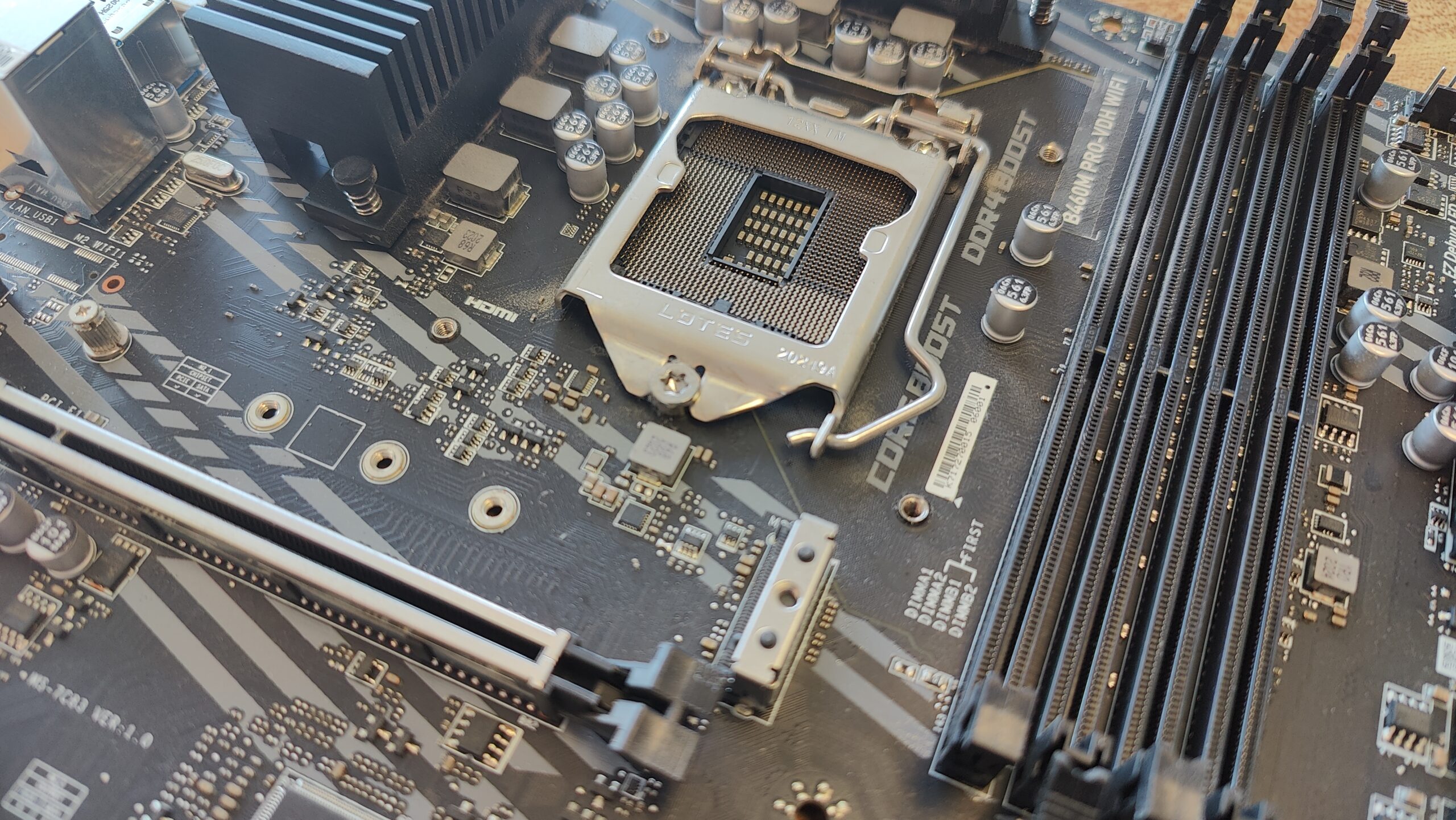
Our general premium repair service serves as an all-inclusive solution for software instability, performance bottlenecks, and physical hardware failures:
While generic big-box repair centers immediately default to wiping your system and making you start over from scratch, we specialize in precision malware remediation. We audit background services, startup registries, and active network connections to strip out hidden remote hijackers, malicious browser extensions, and ransomware payloads—all while keeping your personal files, installed programs, and user settings completely intact.
If you are tired of worrying about malware, browser hijacks, and online scams, MyTown CyberShield is our custom-built, enterprise-grade security suite designed from the ground up to actively block remote hijacks, filter malicious web traffic, and keep your system protected automatically.
- Core System Reconstruction: We execute deep OS repair routines, including SFC (System File Checker) and DISM (Deployment Image Servicing and Management) health restorations, along with re-registering core system application packages via PowerShell to resolve broken Start Menus and system settings.
- Driver Ecosystem Management: We update critical hardware drivers directly through official manufacturer channels and Windows WHQL repositories. We explicitly eliminate third-party "driver updater" utilities, which frequently install unstable, generic, or adware-laden driver packages.
- Telemetry & Bloatware Cleanup: We optimize Windows for maximum speed by disabling intrusive background telemetry, turning off built-in OS advertising pushes, disabling suggested start-menu content, and stripping out useless pre-installed bloatware that steals CPU cycles.
- Dual-Channel Memory Matching: On systems with an open expansion slot alongside soldered-on onboard RAM, we strictly match memory frequencies, timings, and voltage profiles to ensure stable Dual-Channel memory performance. Incorrectly matched RAM can lead to random memory management BSODs or force the system to drop to slow single-channel speeds.
- Next-Gen Wireless Upgrades: Where motherboard slot compatibility allows (such as M.2 Key-E slots), we upgrade older Wi-Fi cards to modern Wi-Fi 6E or Wi-Fi 7 standards with Bluetooth integration for faster local network speeds and lower latency.
- LCD, OLED & Touchscreen Assembly: Replacing cracked glass, flicking displays, dead pixel rows, or non-responsive digitizers with high-grade replacement panels.
- Hinge & Top-Lid Structural Restorations: Modern laptop hinges are often secured into weak plastic screw posts that snap under tension over time. We replace broken top-lids, palm rests, and hinges to restore smooth opening and closing without putting pressure on internal display cables.
- Keyboard & Palm-Rest Swaps: Replacing worn-out keyboards, liquid-damaged keys, broken trackpads, or entire top-palm-rest assemblies to restore tactile typing performance.
Damaged Motherboard? Looking for Board-Level Micro-Soldering?
Repairs requiring microscopic circuit diagnostics, DC jack soldering, power IC replacements, or component-level board work are categorized under our dedicated Micro-Soldering Component-Level Repair service.
Our Bench Quality Standards & Parts Policy
We treat every customer system with the same attention to detail we give our own personal hardware:
-
High-Grade Thermal Repasting: Every thermal service or cooling repair includes a fresh application of Arctic MX-4 thermal compound. MX-4 provides outstanding heat dissipation over standard factory pastes, protecting your CPU and GPU from thermal throttling under heavy loads.
-
Quality Parts Sourcing: We source high-grade replacement components through trusted, vetted suppliers to secure reliable hardware quickly without forcing you to pay inflated manufacturer distribution markups or wait weeks for shipping.
-
First-Come, First-Served Bench Queue: We do not sell expensive "expedited fees" that push other customers backward in line. Every job is processed in the order it arrives, ensuring fast, transparent turnaround times for everyone.
-
Fair Turnaround Times: Repairs are typically completed in 1 to 2 business days once parts are on the bench. Similarly to our bench queue, repairs are processed for each device as quickly as possible once all required parts have arrived.
Premium Repair Service FAQ
For complex hardware issues, our process begins with a thorough Root Cause Analysis (RCA) to pinpoint the exact failure. Once diagnostics are complete, we present you with a clear repair estimate for approval before any work begins. If your repair requires a specialized component that isn't in stock, or requires extended multi-pass thermal and stability testing on our bench, work typically wraps up within 1 to 2 business days after the required parts arrive.
- Conformable Physical Barriers: Liquid metal is electrically conductive and requires conformal coating or acrylic insulating barriers applied around exposed SMD transistors on the chip package to prevent fatal short circuits if microscopic beads migrate.
- Heatsink Metallurgy: Liquid metal reacts destructively with aluminum heatsinks, causing rapid corrosion and metal degradation. It must only be used with nickel-plated copper or solid copper cold plates.
- Mounting Pressure & Enclosure Orientation: Because liquid metal remains a low-viscosity fluid, proper mounting pressure and physical retention barriers are critical, especially in portable laptops or vertically oriented desktop cases where movement can cause pooling.