Mac & Apple Computer Repair Services
Professional MacBook, iMac, and Mac mini repairs, screen replacements, battery swaps, legacy hardware speed upgrades, and macOS malware removal in Mt. Pleasant.
Having Issues with Your MacBook or iMac?
Honest advice, high-quality replacement parts, and clear upfront quotes without the Apple Store runaround!
311 W. Michigan St. - Downtown Mt. Pleasant
Honest, Practical Repair Solutions for Apple Computers
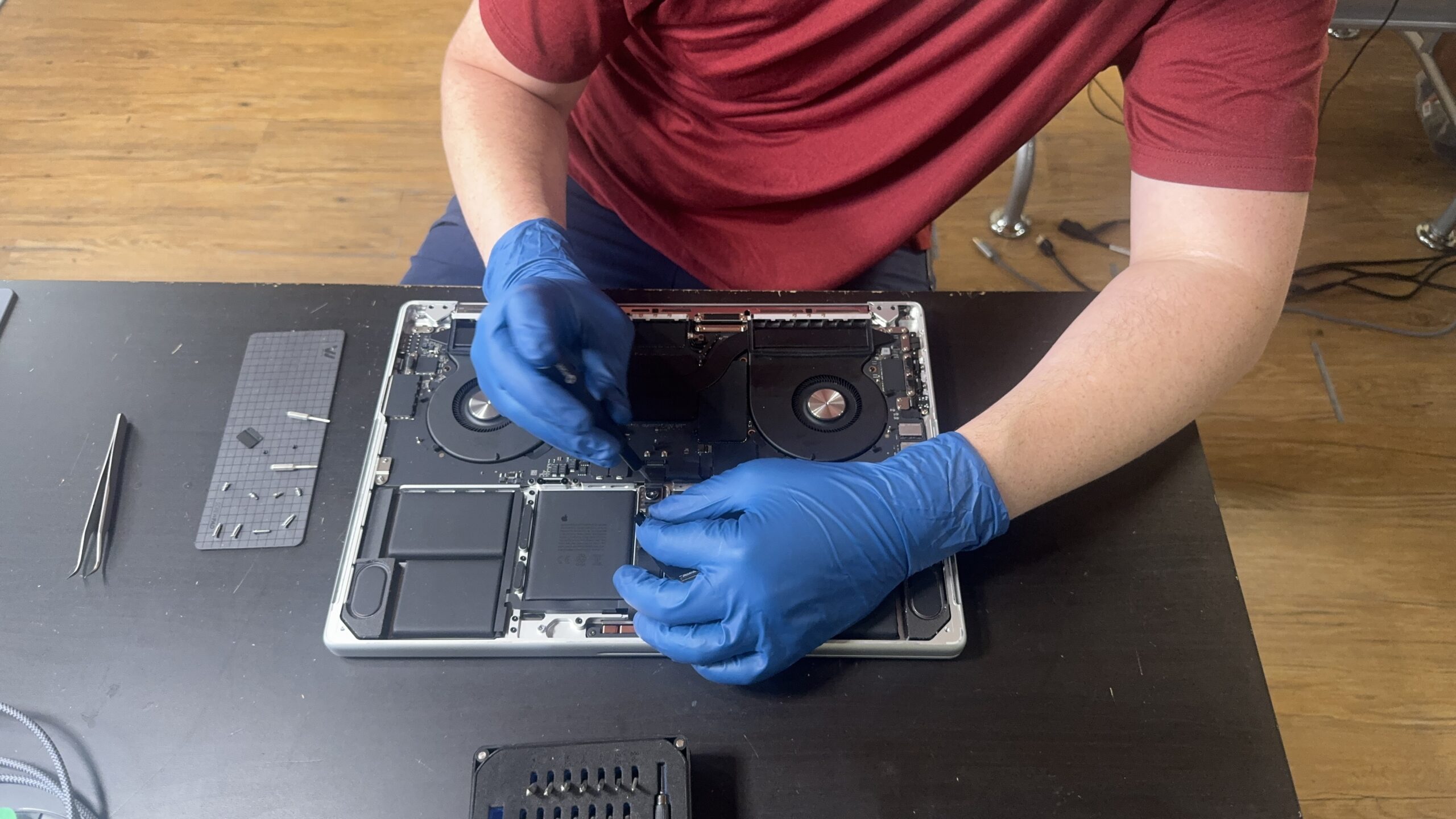
Our bench technicians offer practical, cost-effective hardware repairs, high-quality component swaps, and macOS optimizations for both Intel-based Macs and modern Apple Silicon devices across Central Michigan.
Yes, Macs Get Viruses (Malware & Browser Hijacks)
A common tech myth is that Mac computers are immune to malware. While traditional Windows executable viruses don’t affect macOS, Mac users frequently fall victim to Potentially Unwanted Programs (PUPs), rogue browser notifications, ad-injecting extensions, and search engine hijackers.
If your Mac is constantly displaying fake security warnings, redirecting your web searches, or running painfully slow, our technicians perform deep system cleaning to remove malicious software and restore your web browser to factory performance.
How Our Mac Service Pricing Works
We keep our Mac repair pricing simple, transparent, and aligned with component market costs:
| Service Category | How It Is Quoted | What Is Covered |
| Straightforward Component Swaps | At-the-Counter Flat Quote | Fixed pricing for MacBook screen assemblies, battery replacements, trackpads, or external ports based on immediate parts availability and tier options. |
| Complex Faults & "No Power" | Root Cause Analysis (RCA) | In-depth bench diagnostic for unbootable systems, light liquid exposure, or intermittent hardware crashes before committing to a repair. |
| Legacy SSD & RAM Speed Upgrades | Flat Labor + Parts | Physical installation of high-speed solid-state drives (SSDs) and memory upgrades on supported older Intel MacBooks and iMacs. |
| macOS Malware & PUP Cleanup | Premium Repair Service | Deep cleaning of browser hijackers, malicious pop-ups, rogue extensions, and system performance optimizations. |
Sourcing & Quality Part Options
To save our customers money compared to official Apple Store prices, we offer multiple component tiers for hardware replacements:
-
High-Quality Aftermarket & Refurbished Parts: For cost-conscious repairs, we source premium aftermarket or original tested/refurbished components that deliver reliable performance at a fraction of retail prices.
-
Genuine OEM Components: When requested or required for specific model compatibility, we can source genuine Apple replacement hardware.
-
Parts Serialization Disclosures: Apple continues to increase parts pairing and software serialization on newer laptops. During your quote consultation, we fully disclose any model-specific quirks—such as lid-sensor calibration or Touch ID limitations—so there are no surprises when you pick up your machine.
Breathe New Life into Older Intel Macs
If you own an older Intel-based MacBook Pro, MacBook Air, or iMac, it may still have plenty of life left! Mechanical hard drives inside older iMacs and early MacBooks are the #1 cause of extreme system slowdowns.
-
High-Speed SSD Upgrades: Replacing a mechanical drive with a solid-state drive (SSD) can make an older Mac boot up in seconds and feel faster than the day you bought it.
-
Software & App Store Limitations: While a hardware upgrade will dramatically boost performance, we provide full upfront transparency regarding Apple's software End-of-Life (EOL) policies. Older Macs may be capped at older macOS versions, which can eventually restrict access to certain App Store applications or iCloud integrations.
The Reality of Apple Silicon (M-Series) & Prevention Advice
Modern Apple Silicon MacBooks (M1, M2, M3, M4, and newer) feature unified memory and storage welded directly to the main logic board, along with extremely delicate outer enclosures and screen assemblies.
-
Limited Component Repairability: On newer Apple Silicon laptops, upgrading RAM or onboard storage after purchase is physically impossible. Furthermore, screen replacement assemblies on newer models are tightly software-paired.
-
Our Honest Recommendation: For M-Series MacBooks, we strongly recommend that customers maintain active AppleCare+ coverage to safeguard against expensive physical damage. For non-covered screen repairs, battery replacements, software issues, or data extractions, our bench is here to assist.